User Experience Basics: The Complete Guide to UX Design – If you run an online business, you must be aware that one of the key components of digital success today is User Experience (UX) design. Are you wondering why?
This is because people currently prefer to use websites and applications that are easy to use, fast and intuitive from the start. And guess what! Today, UX design focuses on attracting users with impactful strategies.
Businesses can no longer just rely on basic functionality or graphics as competition increases in every area. UX design is more than that. That’s why, to help you understand the importance of UX design, we created this blog where we discuss everything from meaning to processes and trends.
A Glance at User Experience (UX) Design.
UX design is about making a website, app or digital product easy and intuitive to use. This helps people navigate without confusion or frustration.
Why UX Design Matters in 2026
Today’s audience is smart and very picky! They just prefer to use pages that are simple and easy to understand. In fact, there’s a good chance they’ll leave a website if it’s slow, unclear, or difficult to use.
Top Reasons Why You Should Invest in UX Design In 2026:
- Attention spans are shorter than ever.
- Competition is strong in every industry.
- Search engines prefer websites that users like.
Strong UX directly impacts:
- SEO ranking
- Conversion rate
- Brand trust
- Customer retention
- User engagement and interaction
- Repeat visits and loyalty
- Reduce bounce rate
- Overall business growth
Core Principles of UX Design
Effective UX design follows several core principles. Do you want to know about it? Here’s a brief overview of the principles:
✅Start With a User-First Mindset
Before designing, understand it from your user’s perspective. Consider things like what they want, their problems, and their habits. When you design with real users in mind, your product will feel useful and natural to them.
✅Be Consistent Throughout
Use consistent styles, colors, buttons, and fonts throughout. A consistent website doesn’t require users to learn new patterns on every page; they can explore it with confidence.
✅Make It Accessible For Everyone
Make sure all users can use your platform smoothly. Include user-friendly text with simple readability, good color contrast, and simple navigation. By doing so, you can improve all kinds of user experiences.
✅Guide Attention With Visual Settings
Highlight important elements so users know where to focus first. A clear visual structure helps users find important information quickly without confusion or extra thought.
✅Give Clear Responses
Show feedback for each action. Messages, color changes, or alerts let users know that their actions were successful or require adjustments, keeping them confident and in control.
Key Elements of UX Design
Explore these key UX design elements:
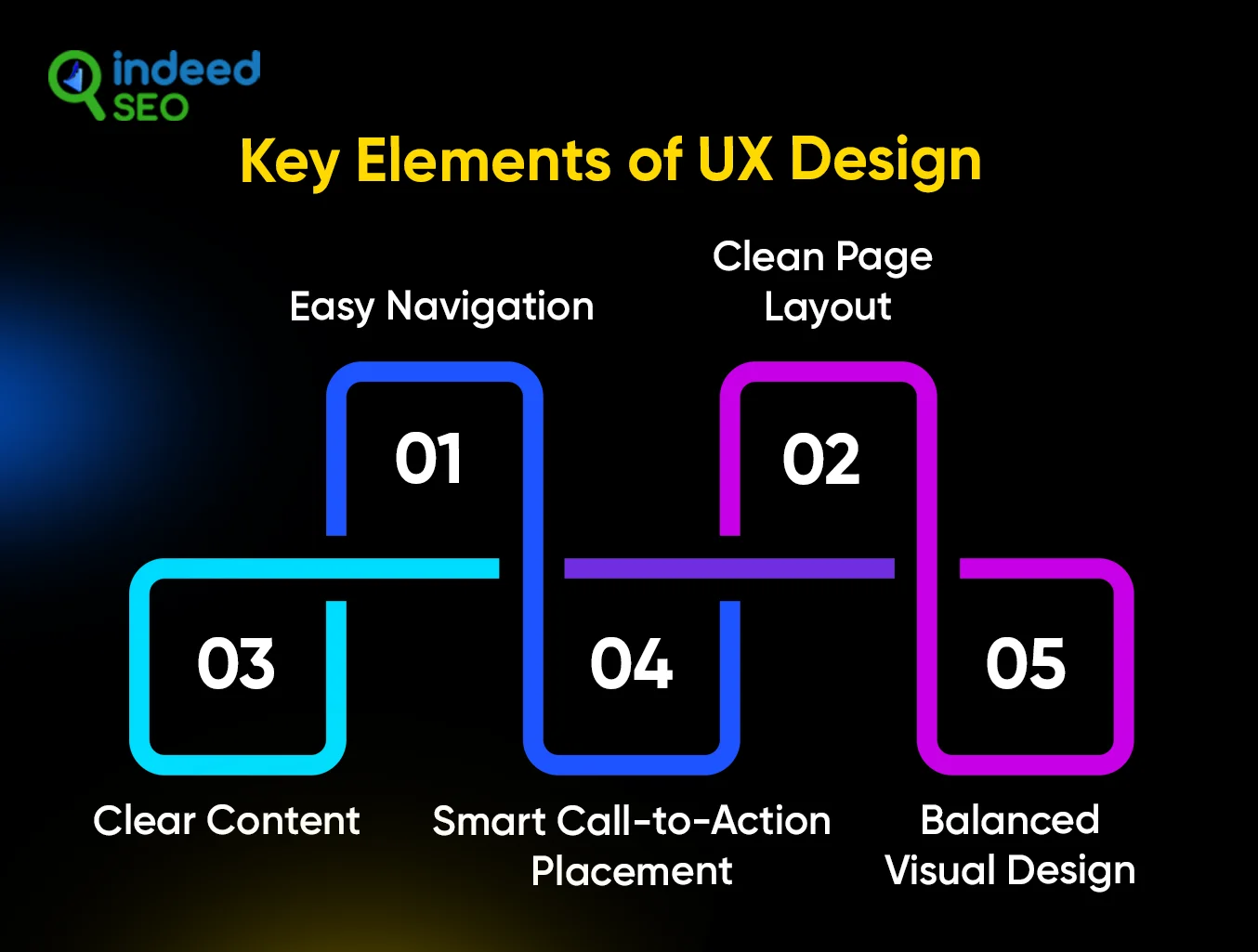
✅Easy Navigation
Menus and links should feel natural and clear so users don’t have to guess where to go next. If navigation is simple, people will find things faster and stay longer.
✅Clean Page Layout
The way the page is structured will help users scan the information easily. Well-spaced, clear sections, and easy-to-read text make things look simple and attractive.
✅Delete Content
Keep the wording on buttons, titles, and pages simple and straightforward. And make sure to avoid complicated language or lengthy explanations so users understand your message immediately.
✅Smart Call-to-Action Placement
In your company calls to action, stay in the right places often to entice users, and remember not to overdo the CTA. Write short sentences on them and avoid long paragraphs. This encourages users to act smoothly without confusion.
✅Balanced Visual Design
Colors, icons, and images should help people’s work, not hinder it. A carefully considered visual hierarchy brings user focus to the most important site elements.
UX Design Process: A Step-by-Step Approach to Implementing Proper UI/UX Design
UX design has several important stages that help you build a product that people love. Each step makes the design clearer and easier before the final version is ready. Here are the commonly used UX workflows in 2026:
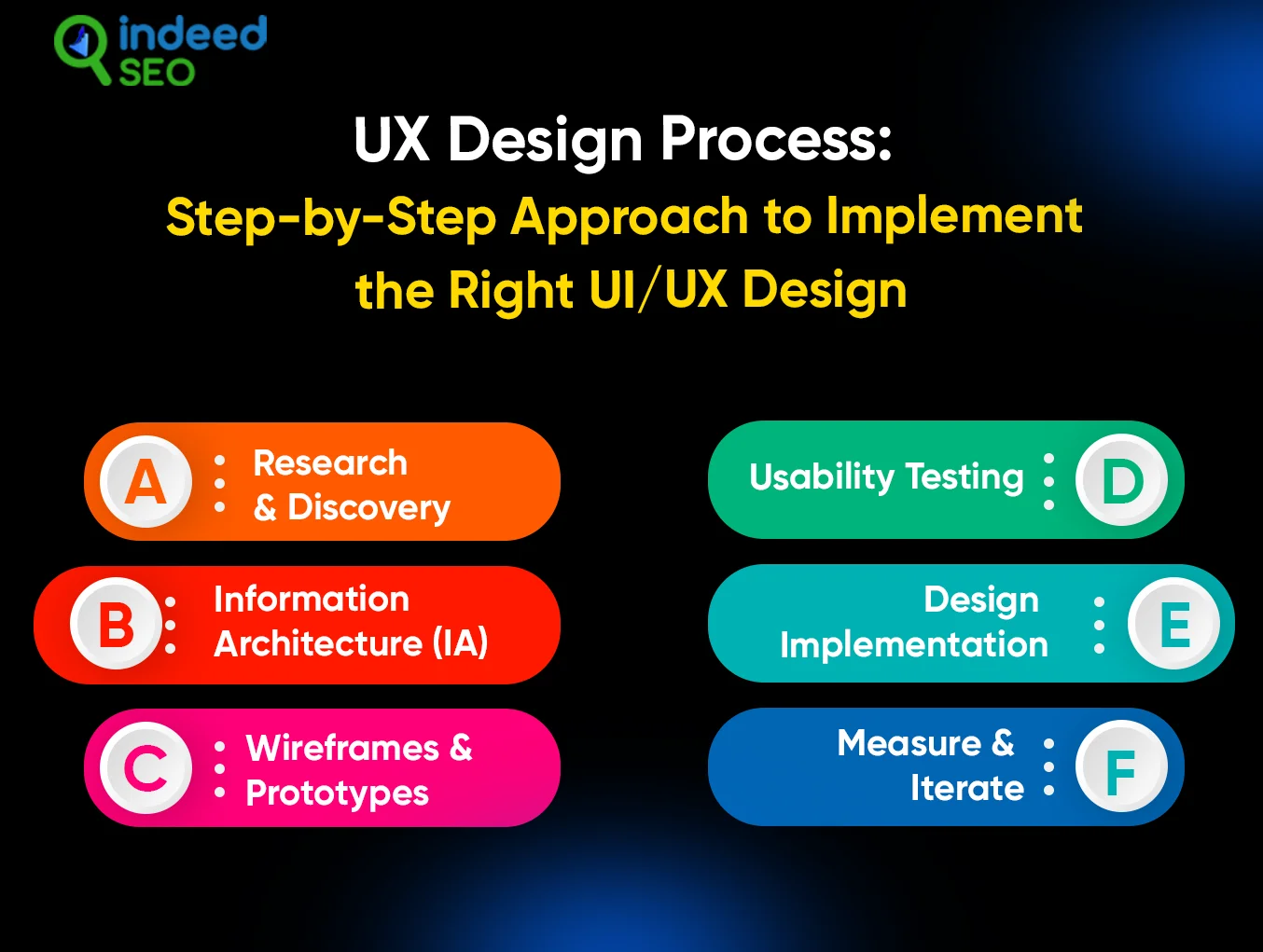
✓Research & Discovery
Start by understanding users, their goals, needs and problems.
User Research Methods-
- Survey
- User observations
- Analytical review
This stage helps you gather insights that shape your design decisions.
✓ Information Architecture (IA)
The process of planning and organizing pages, menus, and content so that users can easily navigate a website is called information architecture. Now it’s easier for them to find what they want and understand where everything is.
✓ Wireframes & Prototypes
Wireframes display simple site layouts without design specifications. By allowing users to click through and test the flow, prototypes help teams identify problems early.
✓ Usability Testing
Usability testing means observing actual users using the product. Their feedback shows what was easy and what needed improvement.
✓ Design Implementation
This step turns the idea into a final product. The UX and visual UI packages come together to build a clean and usable design.
✓ Measure & Repeat
UX work continues after launch. The team tracks user actions and improves the design over time for a better experience.
UX vs UI: Understand the Difference
Although there is sometimes confusion, UI (User Interface) and UX (User Experience) are not the same. Both are important, but they focus on different parts of a product.
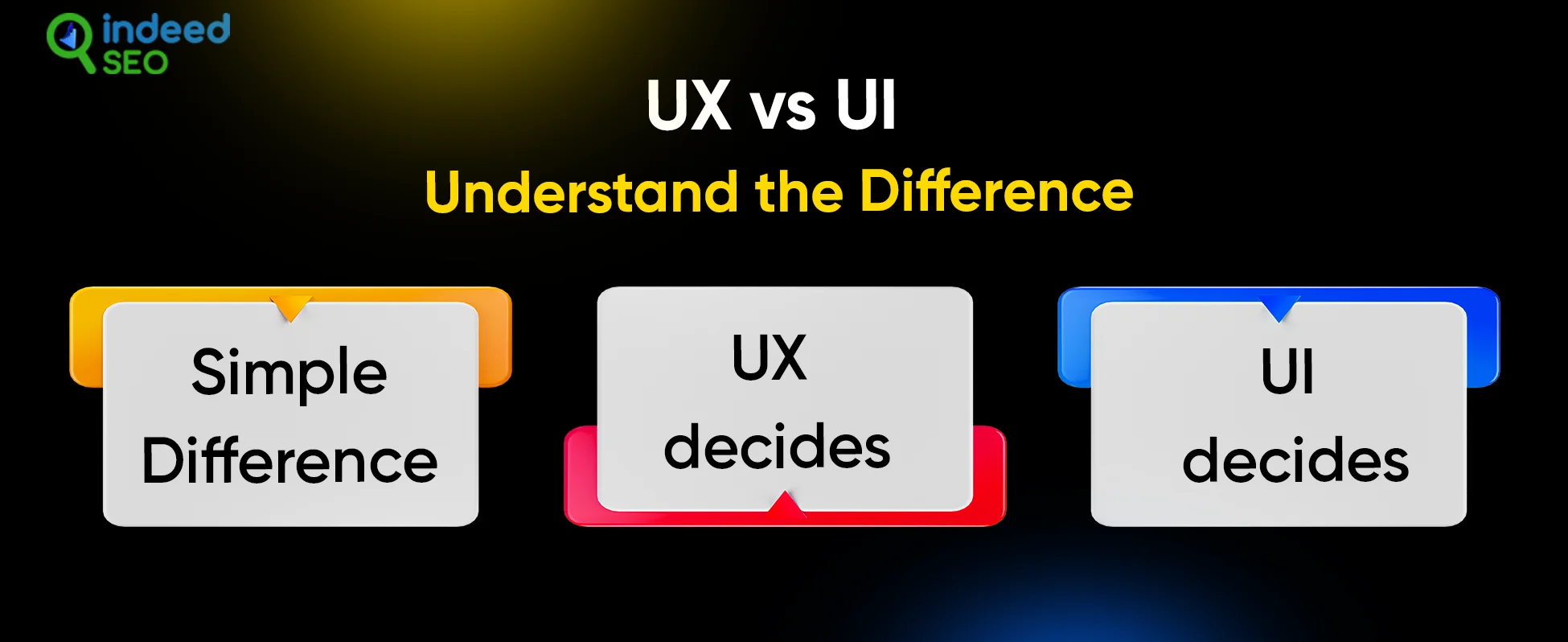
✓ Simple Difference
- UX focuses on how it works- steps, flow and convenience from start to finish.
- UI focuses on how it looks- colors, button styles, and visual layout.
✓ UX decides:
- How users search for products
- What steps did they take
- How smooth and enjoyable this journey felt
✓ UI decides:
- Color and style
- Fonts and icons
- Visual elements on every screen
UI and UX operate together, but UX always comes first because the experience must be functional before it can be visually appealing.
Turn better UX into better results
UX and SEO: A Powerful Connection
UX and SEO are closely related nowadays. Search engines don’t just look at keywords anymore. They also pay attention to how real people use your website. If visitors feel confused or leave quickly, search engines will notice.
When a website is well designed, visitors will stay longer and visit more pages. This is a good signal to search engines that the website is useful and they should display it more prominently in search results.
How UX supports SEO
If the page is clear and easy to use, visitors will not leave immediately.
The simple layout and smooth flow encourage users to stay longer and read more.
Easy buttons, clear text, and logical paths help users click and scroll naturally.
Sites that work well on mobile keep users happy and increase search visibility.
UX improvement cannot be separated from SEO. This is a core part of any strategy because a good user experience will lead to better rankings and better results.
UX Design Trends to Follow in 2026
Here are some UX Design trends to follow in 2026:
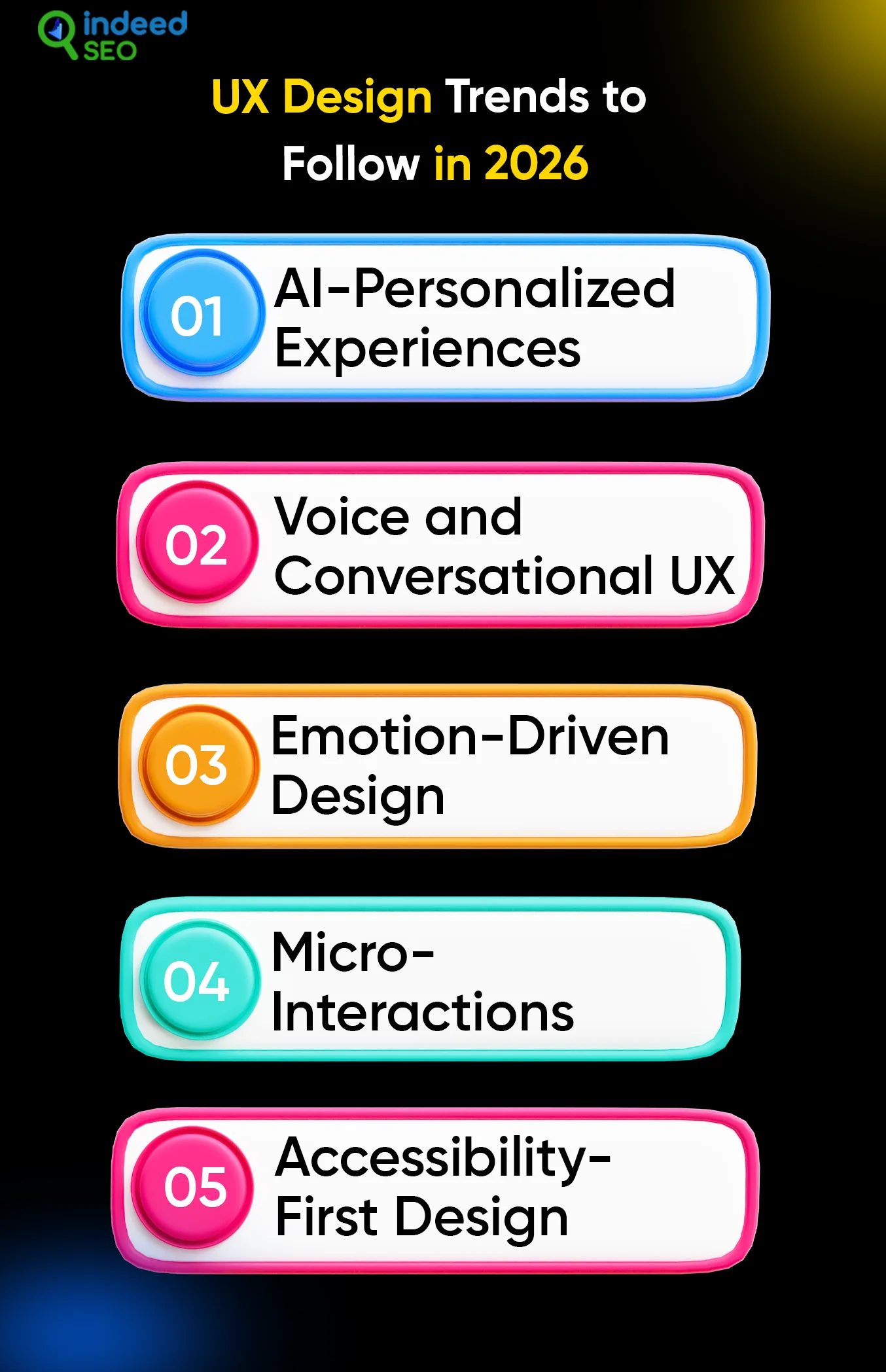
✅ AI Personalized Experience
The website will adapt the layout and content according to user behavior and preferences.
✅ Voice and Conversational UX
Voice search and chat navigation will become more natural and precise.
✅ Emotion Based Design
Design will be influenced more by trust, comfort, and emotional reactions.
✅ Micro Interactions
Small animations and feedback will guide the user without distraction.
✅ Accessibility-First Design
UX will prioritize inclusive design for all users, across abilities and devices.
UX Metrics You Should Track
You should observe how real users engage with your design to determine its effectiveness. UX measurements reveal what is simple, what is unclear, and where users are having difficulty.
Task Completion Rate
It shows how many users completed an action without difficulty, such as registering or placing an order.
Time on Task
It shows how long it takes a user to complete a task. A shorter time usually means the design feels clear.
Error Rate
It shows how often users make mistakes when using a site or app. Fewer errors means better usability.
User Satisfaction
This comes from feedback, reviews, or surveys. It shows how users feel after using your product.
Tracking these points helps you see what is working well and what needs to be improved.
Conclusion
Finally, we suggest that clarity, convenience, and confidence are key components of UX design in 2026. Prioritize the user’s perspective if you are considering investing in UX design services. This is due to the fact that people stay longer, trust the platform more quickly, and convert more often if it is tailored to their preferences.
IndeedSEO can help you develop a UX-driven digital presence that delivers real business success for a user-focused website that complies with search engine algorithms.
FAQs
1. What skills should UX designers have in 2026?
UX designers need to know psychology, user research, prototyping, testing, and collaboration.
2. Do I need to know coding for UX design?
Coding helps, but basic UX roles don’t require it. Understanding how products are made helps teamwork.
3. Can beginners learn UX effectively?
Yes — start with the basics of research, wireframing, and usability testing before moving on to advanced skills.
Turn better UX into better results
News
Berita Teknologi
Berita Olahraga
Sports news
sports
Motivation
football prediction
technology
Berita Technologi
Berita Terkini
Tempat Wisata
News Flash
Football
Gaming
Game News
Gamers
Jasa Artikel
Jasa Backlink
Agen234
Agen234
Agen234
Resep
Cek Ongkir Cargo
Download Film